Back to Home
Quick Guide
How to Use VNCodePro Templates
Create your reel in just 4–5 minutes using your phone.
1
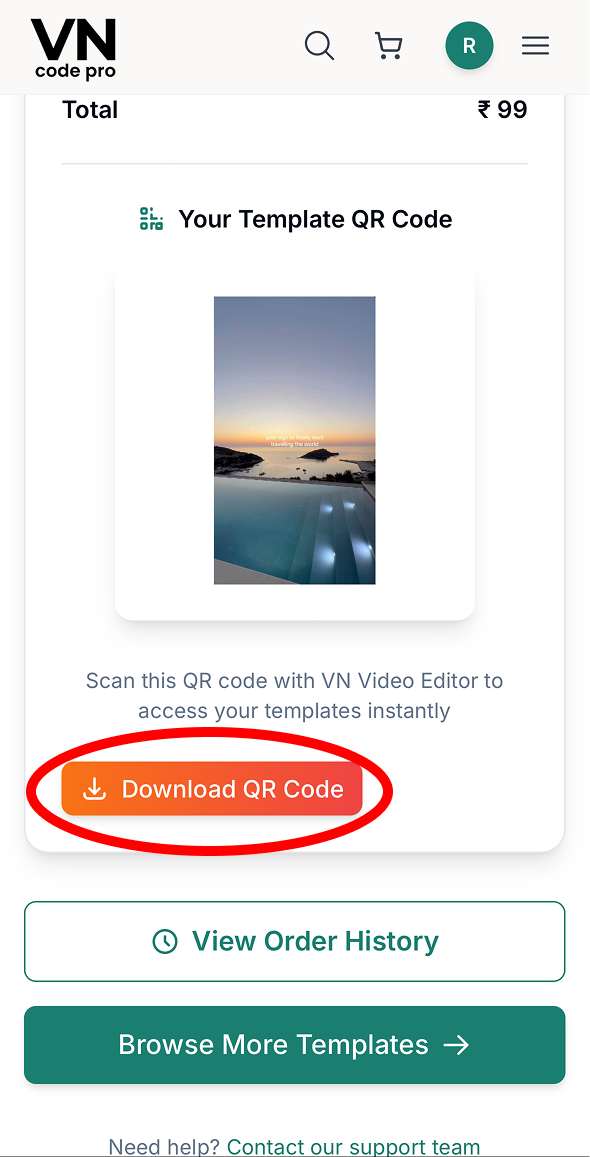
Download Template
After payment, tap the Download button on the confirmation page. You will also receive the download link on your email.
2
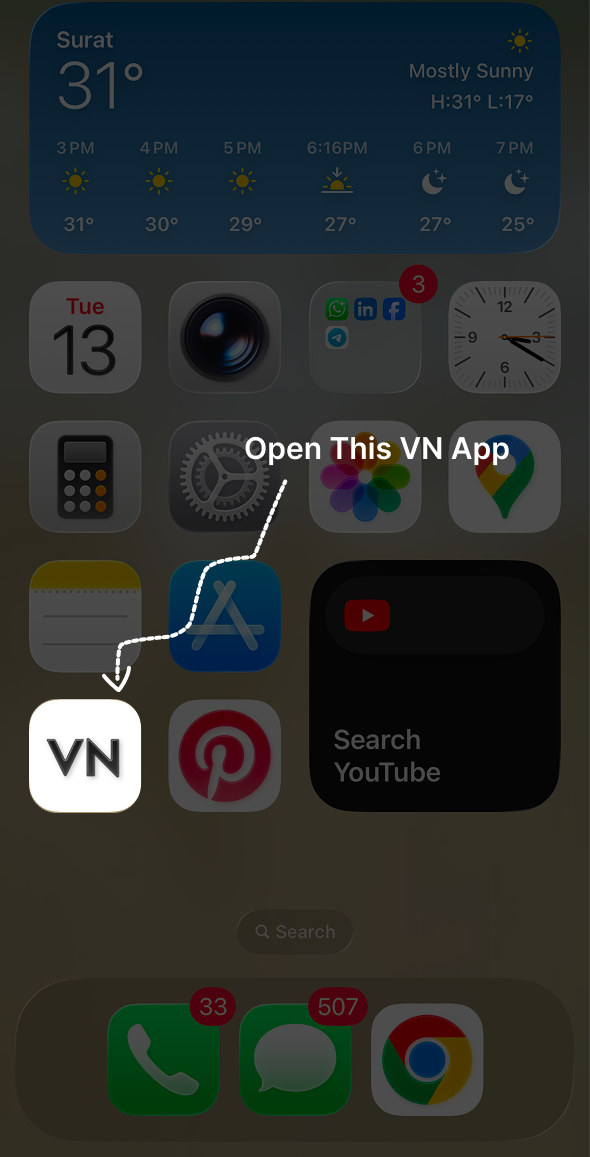
Open VN Video Editor
Open the VN Video Editor app on your mobile device.
3
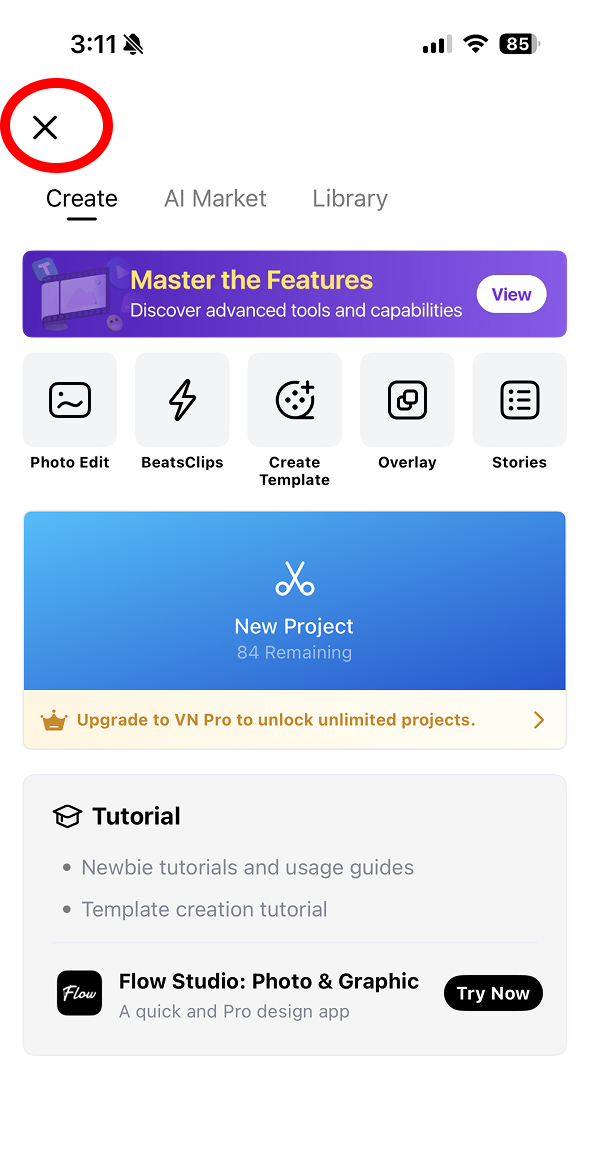
Open Your Projects
Tap the X icon in the top-left corner to go to the Your Projects screen.
4
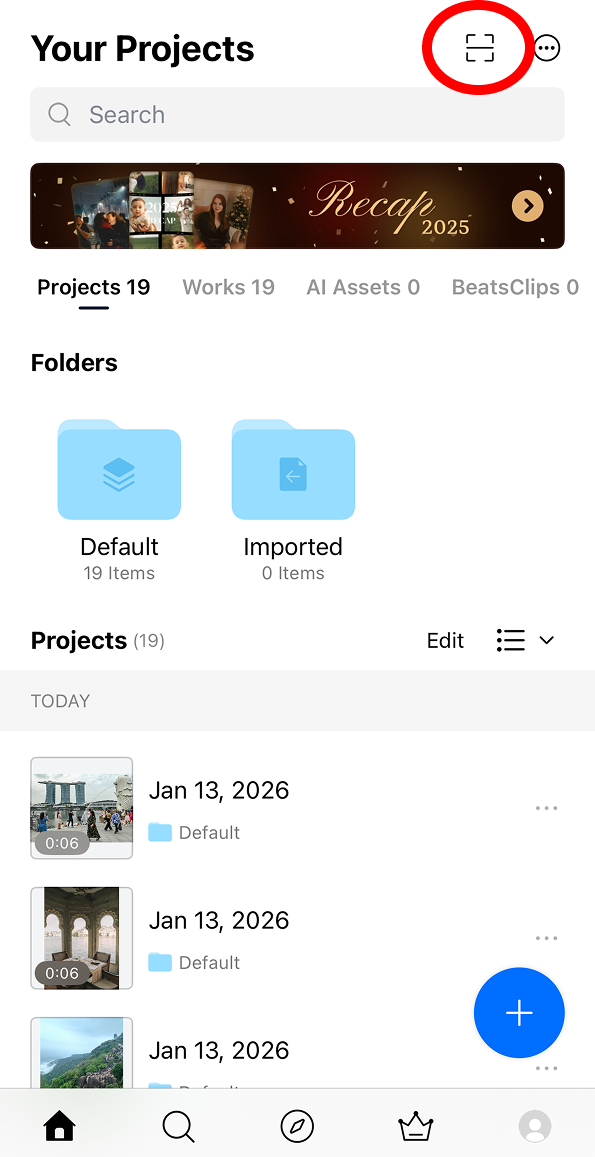
Scan Template
Tap Scan on the top-right and select the downloaded template file.
5
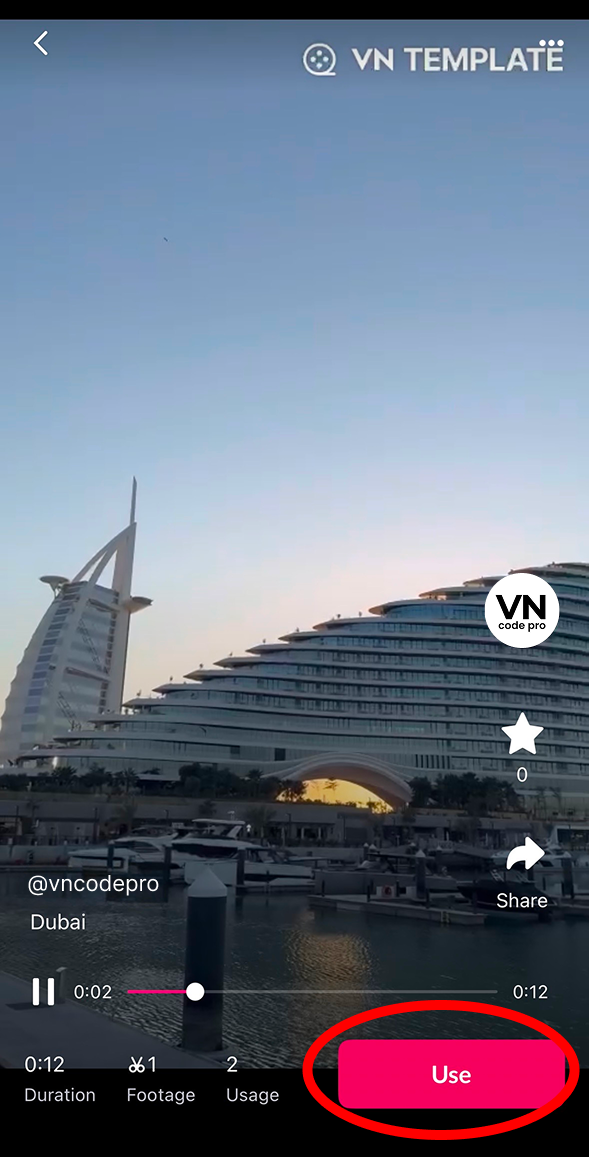
Replace Clips
Tap Use and replace the demo clips with your own photos or videos.
6
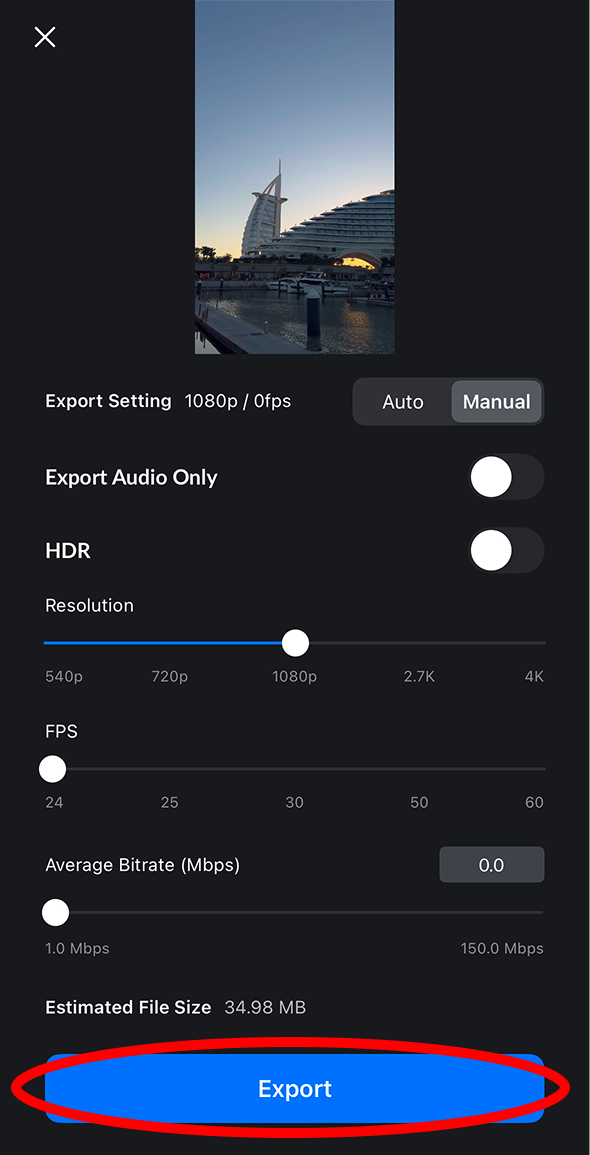
Export Video
Tap Export and your reel is ready to post.